



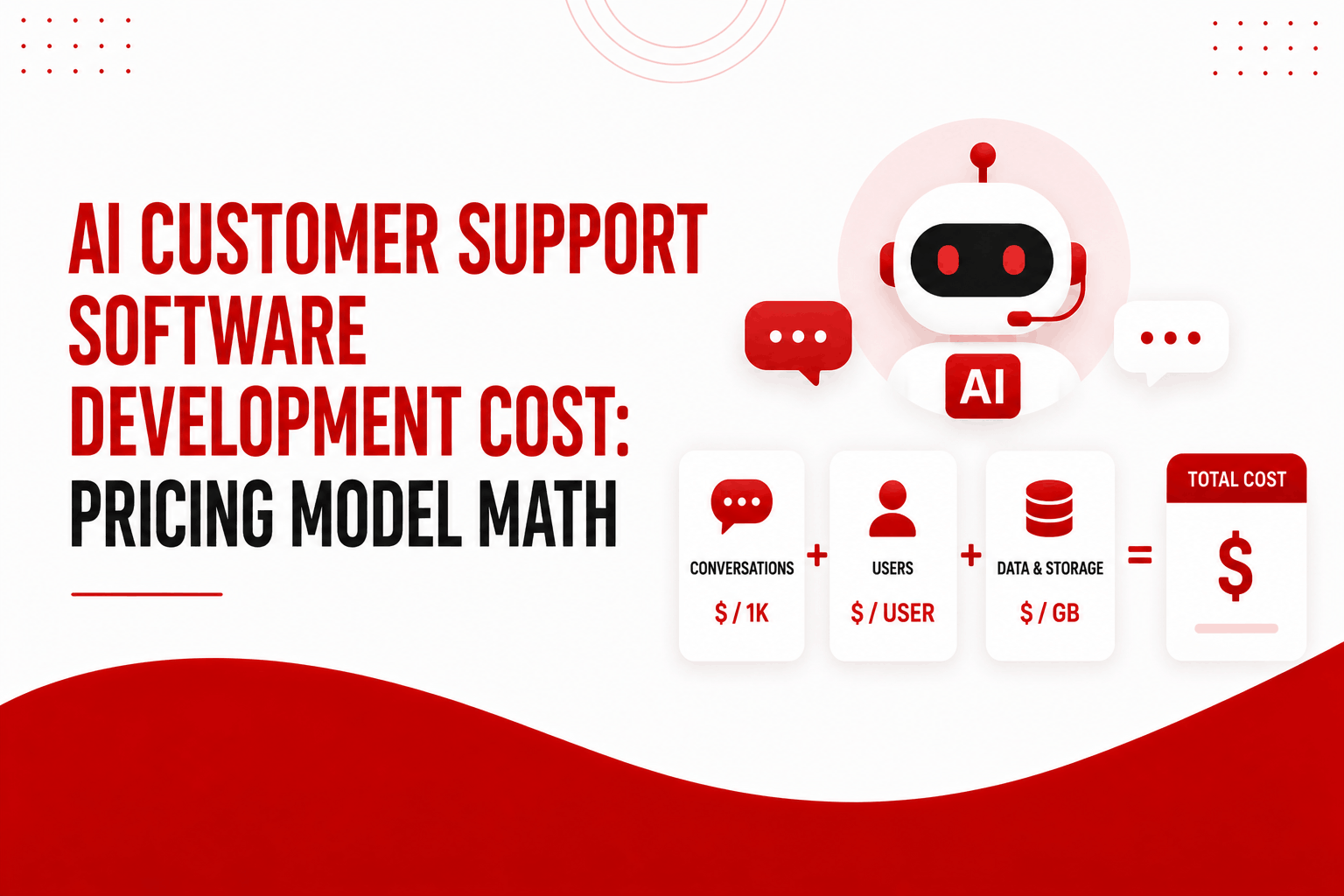
Two AI customer support platforms can quote what looks like the same price, $0.50 per resolution against $0.10 per session, and produce a total bill that differs by several times once a single customer issue is actually traced through the math. The vendor name on the invoice matters less than the pricing model behind it, and almost no cost guide runs the actual numbers to show why.
Most AI customer support cost guides do two things well: they list the pricing models that exist, per seat, per resolution, per session, per conversation, platform plus usage, and they warn that the definitions behind these models vary. What they stop short of is running a worked example showing what that variation actually costs in dollars, which is the only way the warning becomes a budgeting decision rather than a footnote.
What AI Customer Support Software Development Cost Actually Covers
AI customer support software development cost covers the platform fee or usage charges for the AI itself, the integration work connecting it to your helpdesk and knowledge base, the ongoing human oversight required to keep AI quality high, and the gap between the pricing model’s nominal rate and what it actually costs once real conversation patterns are billed against it.
Most businesses evaluating this budget for the first number and miss the second. A platform quoted at $0.99 per resolution looks like a fixed, predictable unit cost. Whether it actually behaves that way depends entirely on how “resolution” is defined in the contract, which is the first place this budget commonly goes wrong.
The Five Pricing Models, and Why They Are Not Actually Comparable
Each major pricing model in this category charges for a different unit, which means a price comparison across models is not really a price comparison unless it is converted to the same unit first.
| Pricing Model | What You Pay For | Real-World Example Rate |
| Per-seat | A fixed fee per human agent using the platform, regardless of AI volume | Zendesk Suite plans, $55–$169 per agent per month |
| Per-resolution | A charge only when the AI successfully resolves a conversation | Intercom Fin, $0.99 per outcome |
| Per-session | A charge for each session the AI initiates, regardless of resolution | Freshworks Freddy AI Agent, $0.10 per session |
| Per-conversation | A charge per distinct conversation thread, regardless of how many messages or sessions it spans | Varies by vendor, commonly $0.50–$2.00 |
| Platform fee plus usage | A fixed base fee covering infrastructure, plus usage-based charges on top | Decagon, roughly $50,000 annually plus per-resolution charges around $0.50 |
Per-resolution pricing charges only when a conversation is successfully resolved, so cost decreases per interaction as the AI improves. Per-session pricing charges for every session regardless of outcome, which means cost does not improve as AI accuracy improves and can multiply quickly if a single customer issue requires several sessions to resolve.
Per-seat pricing has a structural property worth naming directly: it charges based on human headcount, not AI usage, which means the cost stays flat even as the AI resolves more volume and the human team handles less. This makes per-seat pricing increasingly misaligned with the actual value an effective AI deployment delivers, since the platform’s value is supposed to come from reducing how much human time a given volume requires.
The Resolution Definition Trap: What “Resolved” Actually Means
This is the gap between the pricing model’s nominal rate and the real cost, and it deserves an actual worked example rather than a general warning.
Imagine two vendors both charging $0.75 per resolution. Vendor A defines a resolution as a conversation with no follow-up message from the customer within five minutes of the AI’s last response. Vendor B defines a resolution as a conversation independently verified, through a quality check or an explicit customer confirmation, as actually solving the customer’s problem.
| Scenario | Vendor A (Timeout-Based Resolution) | Vendor B (Verified Resolution) |
| 1,000 conversations handled | 750 counted as “resolved” because the customer did not reply within 5 minutes | 520 counted as resolved after verification |
| Billed resolutions at $0.75 each | $562.50 | $390 |
| Conversations that actually solved the problem | Roughly 520 (the rest were customers who gave up, not customers who were satisfied) | 520 |
| Real cost per actually-solved problem | $1.08 | $0.75 |
The resolution definition trap is the gap between a vendor’s billed resolution count and the number of conversations that genuinely solved the customer’s problem. A timeout-based definition counts customer disengagement as success, inflating the billed resolution count and the real cost per problem actually solved, even when the quoted per-resolution rate looks identical to a competitor’s.
The practical lesson is not that timeout-based definitions are dishonest. It is that the quoted rate is meaningless without knowing the definition behind it, and two vendors at the identical headline rate can produce a meaningfully different real cost once the definition gap is accounted for. Before signing any per-resolution contract, the specific, contractual definition of a resolution is worth more scrutiny than the rate itself.
The Multi-Session Inflation Problem
Per-session pricing creates a different kind of distortion, one that shows up specifically when a single customer issue cannot be solved in one interaction.
A $0.10 per-session rate looks negligible in isolation. The distortion appears once you account for how many real customer issues span multiple sessions, a customer asking a follow-up question the next day, a billing issue that requires checking back after a refund processes, a technical problem that needs a follow-up after the customer tries a suggested fix.
| Issue Type | Typical Sessions to Resolve | Cost at $0.10/Session | Effective Cost Per Resolved Issue |
| Simple FAQ (hours, policy lookup) | 1 session | $0.10 | $0.10 |
| Account or billing question requiring a follow-up | 2–3 sessions | $0.20–$0.30 | $0.20–$0.30 |
| Technical issue requiring a fix attempt and confirmation | 3–5 sessions | $0.30–$0.50 | $0.30–$0.50 |
| Complex issue spanning multiple days | 5–8 sessions | $0.50–$0.80 | $0.50–$0.80 |
At volume, the issues that take more sessions to resolve are disproportionately represented in your support queue’s harder tail, which means the realistic blended cost per session-billed account is meaningfully higher than the headline $0.10 rate once your actual issue mix is weighted in. A support operation evaluating per-session pricing should model this against their own historical ticket data, specifically how many follow-up interactions a typical issue actually requires, rather than against the headline rate alone.
The Hidden Implementation Layer Beyond the Subscription
Both the resolution definition and the session inflation problem live inside the AI’s usage cost. A separate and equally real layer sits outside it entirely, in what it costs to get the platform actually integrated and producing accurate answers.
- Helpdesk and CRM integration. Connecting the AI to your existing ticketing system, customer records, and billing platform so it has real context, commonly $5,000 to $25,000 depending on how many systems are involved and how clean their APIs are.
- Knowledge base preparation. Most support teams discover their existing documentation is not actually structured well enough for an AI to use reliably without cleanup, restructuring, and gap-filling, typically $5,000 to $20,000 for a mid-sized knowledge base.
- Ongoing human oversight. Reviewing AI performance, correcting recurring failure patterns, and updating the knowledge base as products and policies change is a real, recurring labor cost, commonly 1 to 3 hours per week in early deployment, more at scale.
- Quality verification infrastructure. If a resolution definition matters as much as the section above suggests it does, verifying that definition independently rather than trusting the vendor’s dashboard is its own modest but real cost, typically a few thousand dollars to set up basic independent sampling.
Multiple analyses of AI customer support implementation converge on a consistent finding here: these combined hidden costs commonly add 30 to 70 percent on top of the quoted platform price within the first year, which means a platform quoted at $20,000 annually should realistically be budgeted closer to $26,000 to $34,000 once integration, knowledge base work, and oversight are included.
Realistic Cost by Business Size and Pricing Model Choice
| Business Size | Per-Seat Model (Realistic Annual Cost) | Per-Resolution Model (Realistic Annual Cost, Verified Definition) | Per-Session Model (Realistic Annual Cost, Real Issue Mix) |
| Small (under 1,000 conversations/month) | $3,000–$10,000 | $4,000–$12,000 | $3,000–$9,000 |
| Mid-market (1,000–10,000 conversations/month) | $15,000–$60,000 | $20,000–$70,000 | $15,000–$55,000 |
| Growth-stage (10,000–50,000 conversations/month) | $60,000–$250,000, scaling with headcount regardless of AI performance | $70,000–$220,000, improving as resolution rate improves | $60,000–$200,000, sensitive to issue complexity mix |
| Enterprise (50,000+ conversations/month) | $250,000+, with the weakest cost-to-value alignment at this scale | $200,000–$500,000+, but cost per problem solved improves with AI maturity | $200,000+, increasingly distorted by multi-session issues at this volume |
These figures include realistic implementation overhead alongside the usage-based cost, since evaluating the pricing model alone without the integration and oversight layer underestimates the true first-year total regardless of which model is chosen.
How to Choose a Pricing Model and Budget Without Getting It Wrong
- Get the contractual definition of a resolution in writing before comparing rates across vendors. A lower headline rate with a generous, timeout-based definition can cost more per actually-solved problem than a higher rate with a verified definition.
- Model per-session pricing against your own historical issue mix, not the headline rate. Pull data on how many follow-up interactions your typical support issue actually requires before assuming a low per-session number stays low at your real volume.
- Budget the implementation layer as 30 to 70 percent on top of the platform quote from the start. Treating this as a possible overage rather than an expected cost is the most common reason AI customer support budgets miss in year one.
- Reconsider per-seat pricing specifically if your goal is reducing headcount growth. This model structurally does not reward improving AI performance, since the price stays tied to human seats regardless of how much volume the AI actually handles.
- Run an independent sample of resolutions rather than relying solely on the vendor dashboard. If the resolution definition materially affects your real cost, verifying it independently, even with a modest manual sampling process, protects against paying for a metric that does not reflect what you actually care about.
Frequently Asked Questions
What is the cheapest pricing model for AI customer support software?
There is no universally cheapest model; it depends on your conversation volume, issue complexity, and how the vendor defines a resolution or session. Per-resolution pricing with a verified definition aligns cost with actual value delivered, while per-seat pricing can be cheaper at very small scale but loses that advantage as volume grows without headcount growth.
Why does the definition of “resolution” matter so much for AI customer support cost?
A timeout-based resolution definition counts customer disengagement as success, which inflates the vendor’s billed resolution count without necessarily reflecting how many problems were actually solved. Two vendors at an identical per-resolution rate can have a meaningfully different real cost once this definition gap is accounted for.
How much should I budget beyond the quoted AI customer support platform price?
Realistic implementation costs, integration, knowledge base preparation, and ongoing human oversight, commonly add 30 to 70 percent on top of the quoted subscription or usage price within the first year. Budgeting for this from the start avoids a common and predictable first-year overage.
Is per-session pricing a bad choice for AI customer support?
Not inherently, but it should be evaluated against your actual issue mix rather than the headline per-session rate. If a meaningful share of your support volume requires multiple sessions to resolve a single issue, the effective cost per resolved problem can be several times the quoted rate.
The pricing model on the contract determines more of your real cost than the vendor’s name or feature list. Run the resolution definition and session math against your actual conversation data before comparing rates, and the number that looked cheapest on the pricing page often stops being the cheapest once it is billed against how your support volume actually behaves.